
Simpler access, smarter management, and more flexibility for your team.
At ClearEdge3D, we’re always looking for ways to make your experience smoother and more efficient.
That’s why we’re making a major upgrade: In early February, ClearEdge3D is moving to identity-based licensing.
This new system replaces traditional machine-based and network licensing with a modern, account-based approach that’s faster, more flexible, and easier to manage.
This change will not impact existing licenses unless they are up for subscription/maintenance renewal, or are being updated to the most recent version.
Why We’re Making this Change
Flexibility Across Devices
With identity-based licensing, your license is tied to your account, not your computer.
This allows you to log in and use EdgeWise and/or Verity on multiple machines, no need to deactivate or rehost licenses manually, or manage a licensing server.
Simplified Setup
You’ll no longer need to install additional licensing software (like LDK running on port 1947). License management is handled entirely through your account login. This means setup is faster, and your IT team has fewer headaches managing servers or network configurations.
Smarter Collaboration for Teams
Floating licenses replace traditional network licenses. This eliminates the need for a network license server, while still allowing shared access across your team. With cloud-based licensing, you can now sign in from any location, not just within your company network. This is a great solution for teams with shared or rotating workstations.
Better Visibility and Control
With new controls, administrators can easily assign or release licenses within their teams, helping optimize license distribution. Users can view their license status, expiration dates, and assigned entitlements on demand. Ensure efficient license usage and avoid missing renewals.
What to Expect
When the new licensing system goes live, you’ll connect with support and sales to migrate your existing license to the new user-based license.
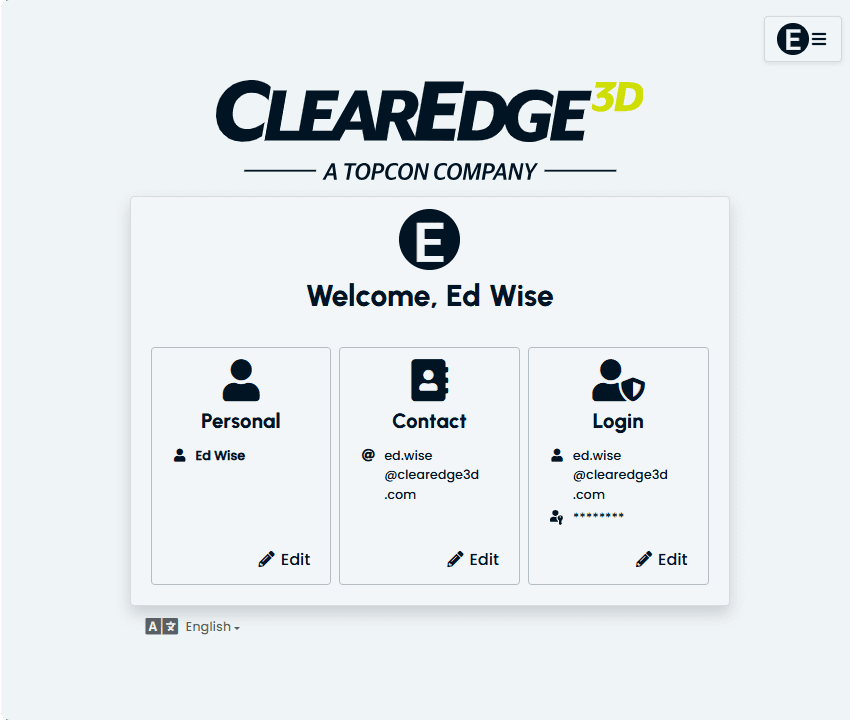
- Create Your ClearEdge3D Account — you can also connect your account with Autodesk, with future plans for connections with Microsoft Office 365 and Topcon.
- Install new version of EdgeWise/Verity — those with an active maintenance or subscription license and an older software version will be automatically upgraded, at no additional cost, to a full suite license of EdgeWise/Verity.
- Access EdgeWise and Verity from anywhere — simply sign in to activate your license.
- Enjoy a smoother experience — no license servers, no dongles, and no manual rehosting.
What You Need to Do
We’ll notify all users with specific instructions when the changeover happens. In the meantime:
- Make sure your team’s contact information is up to date.
- If you manage licenses for your organization, confirm who should have admin access.
The Bottom Line
This change is all about making our software easier to set up, use and manage. You’ll spend less time dealing with licensing, and more time modeling, validating, and delivering projects.
Have questions about licensing migration? We’re here to help! Reach out to us at: support@clearedge3d.com