This article will cover the Single Slope tool. This tool’s purpose is to give the user, very quickly, the direction and average slope percentage of a ramp. This can be useful for finding what your directional slope is from an orthographic view.
Using the tool
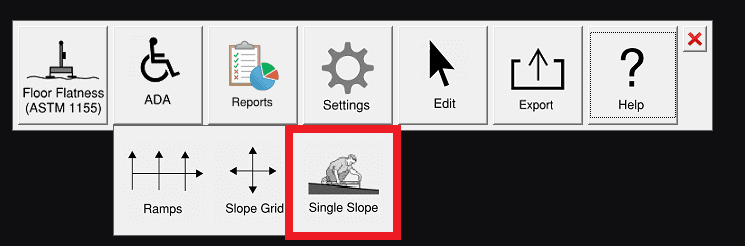
Fig1: Single Slope button
To use this tool first select it in the ADA section of the Inspector toolbar. Next, click between two points then hit enter. This will create an arrow in the direction of the slope between the two points and also display the average slope percentage.
Fig 2: Points in the direction of the slope and shows the slope value at the arrow tip.