Distributed Localization
Distributed Localization is the process of matching existing target measurements to control points to localize a whole bundle of linked stations.
In order to use this feature, you will need to have at least 3 imported control points, two or more stations linked together, and at least 3 target measurements total across the linked stations.
First, navigate over to the Workflow tab and tap Localize, then tap the Distributed Localization button.
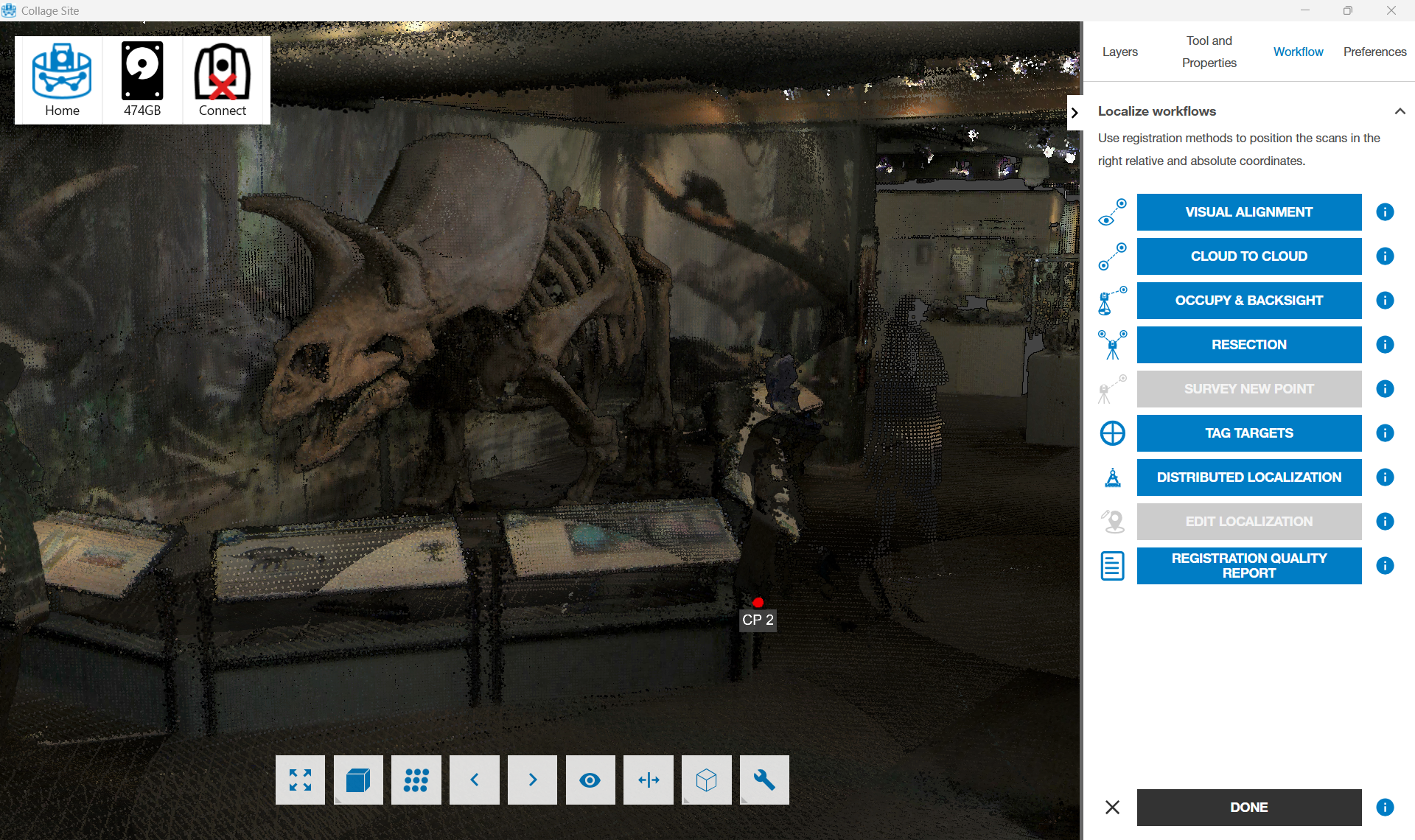
Thanks to Wyoming State Museum for allowing us to use their pointcloud data for this image
You will then see a menu to slot in which target is associated with which control point. Collage Site will then display targets associated with specific stations. Simply slot in the targets with the associated control point for all 3 (or more if you tap the add more button) references.
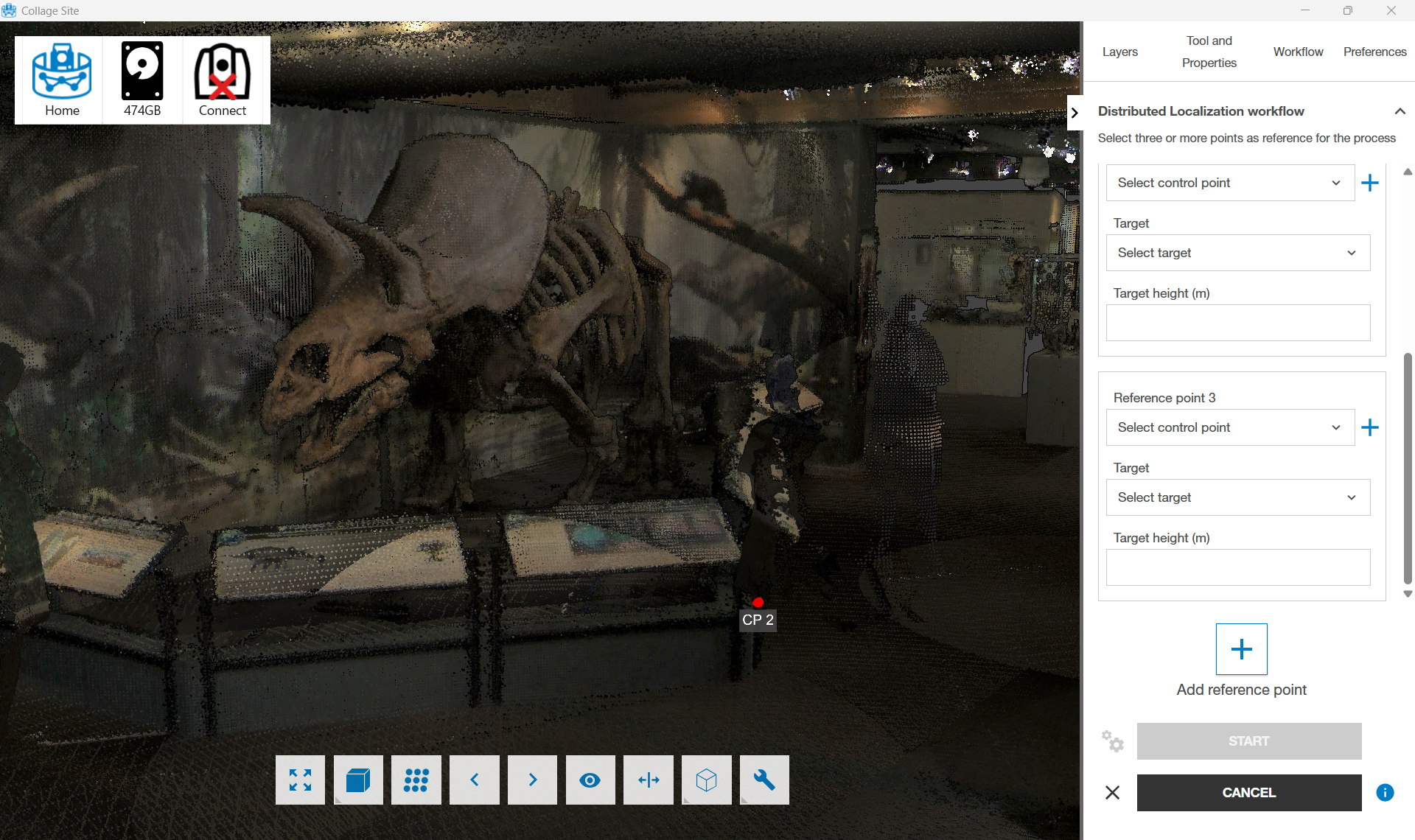
Thanks to Wyoming State Museum for allowing us to use their pointcloud data for this image
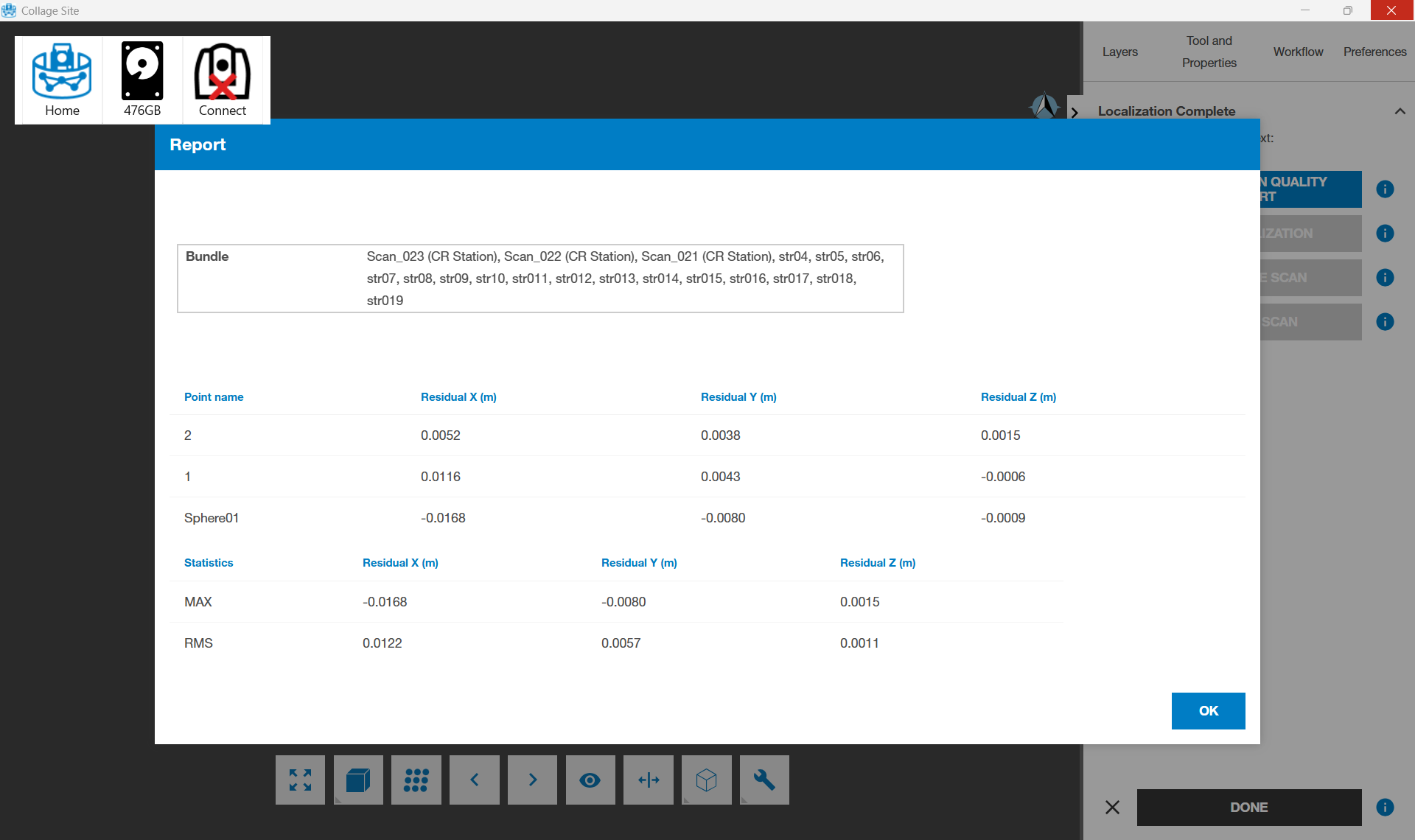
Once you have established your paramaters, tap the Start button. This will begin the Distributed Localization process and you will see the accuracy report.