CR-P1 Target Linking
Ensure that you have Automatic Target Detection enabled before using this workflow.
You may want to use this feature in an enviroment with low overlap coverage for traditional C2C Registration.
To use Target Linking you will need to have setup targets in your scanning enviroment, you will also need to have a minimum of 3 overlapping targets from each station. Each station must see the same 3 targets.
After you have your target enviroment established, you are ready to begin scanning. Proceed to do a Full Dome Scan.
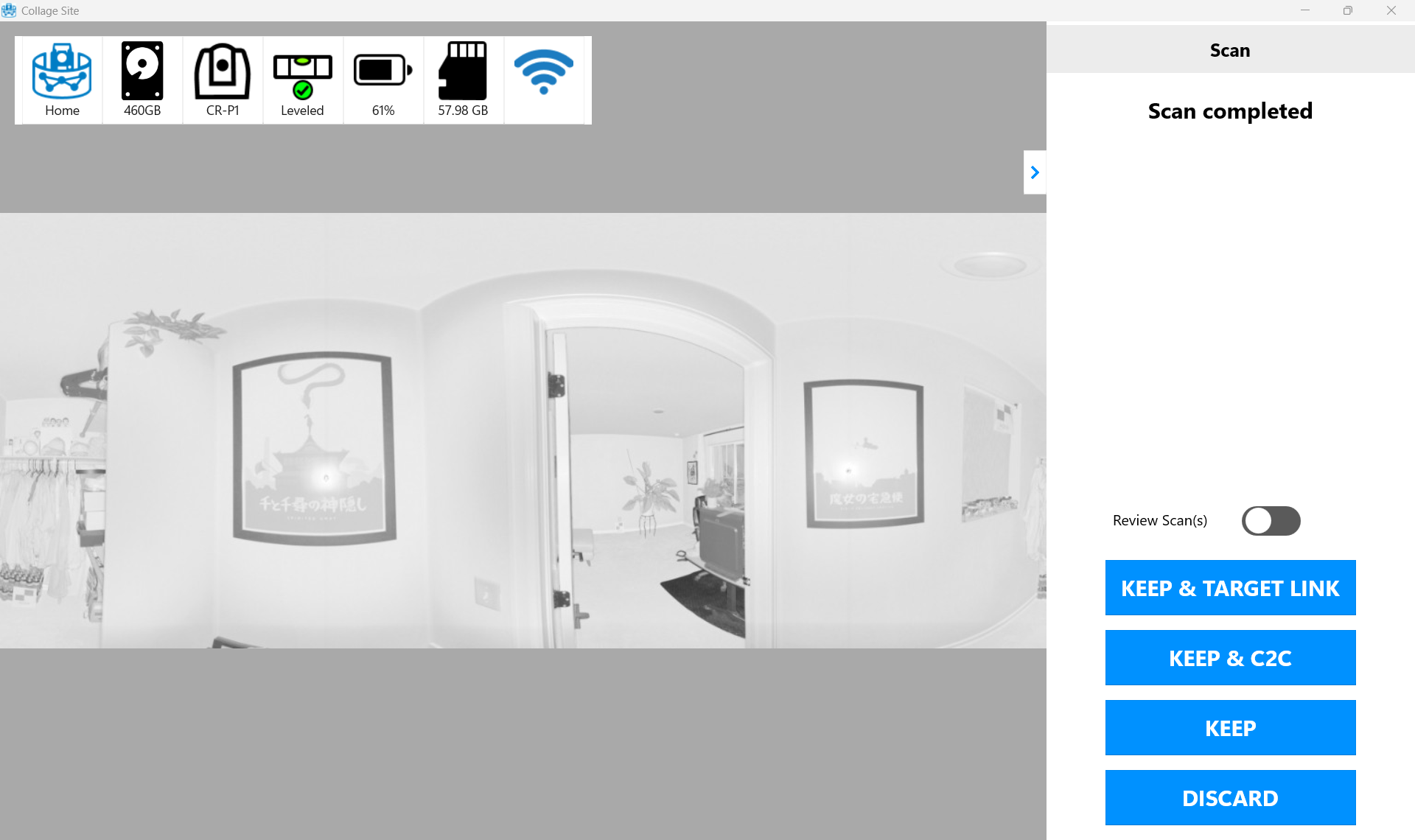
Once the first scan completes, tap the KEEP & TARGET LINK button seen below.
On a new station, continue scanning and when the next scan completes you will see the following menu.
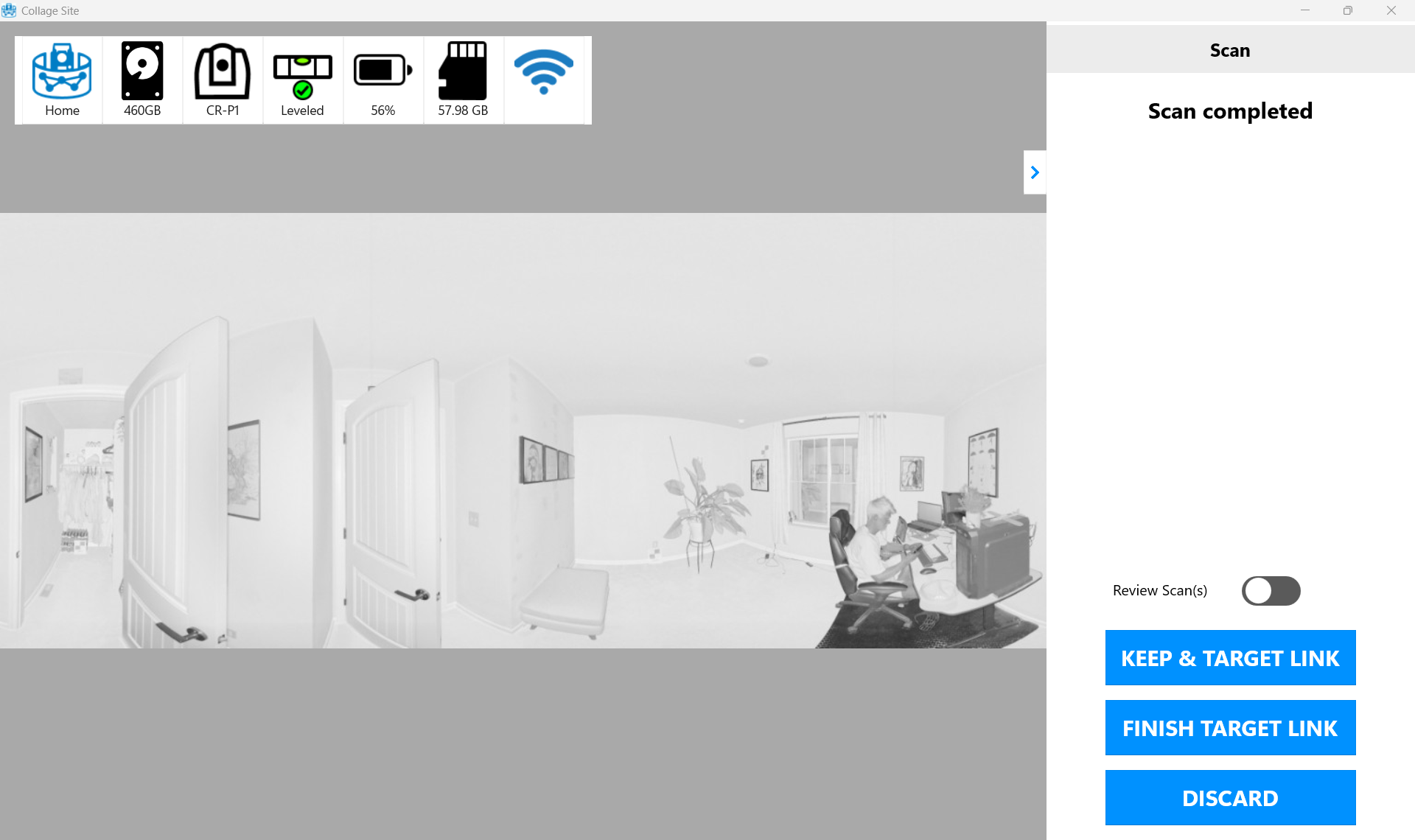
Once you have completed your scans, tap FINISH TARGET LINK to conclude the Target Linking workflow. In the linking menu you will see Grey Links for all Target Linked stations.
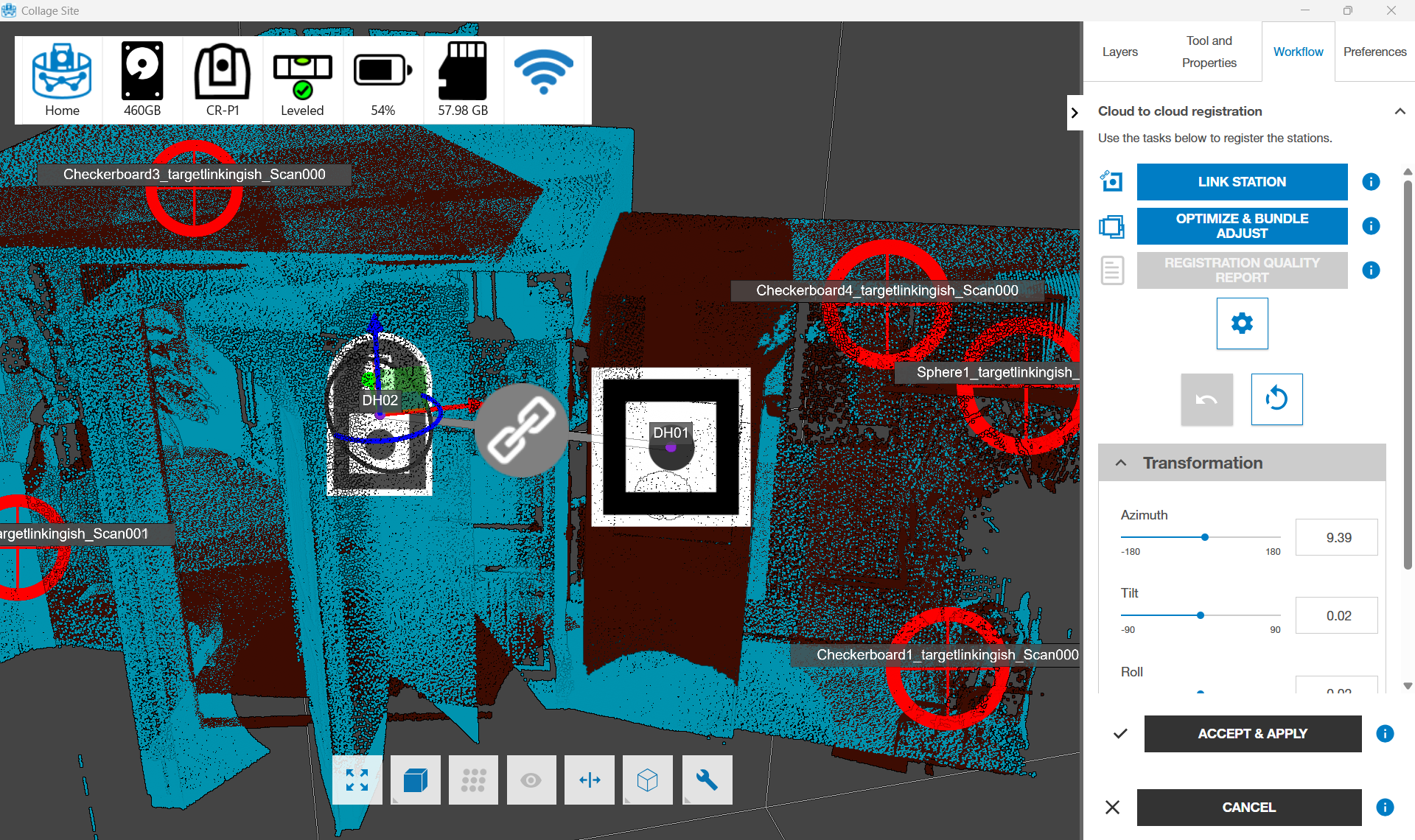
You will also see a report upon successful completion of the workflow that will show you a table with the residuals of the MAX and RMS values for that Target Link Bundle.